Review kits for creators
Product facts, screenshots, story links, review-license contact, and suggested test angles for Sterling Lab software.
Max Commander
A modern Windows orthodox file manager built around source/target muscle memory.
Creators and viewers who already understand dual-pane, commander-style file managers, plus Windows power users curious why the workflow deserves a modern comeback.
Creator angle
Can a new Windows file manager replace Total Commander in 2026?
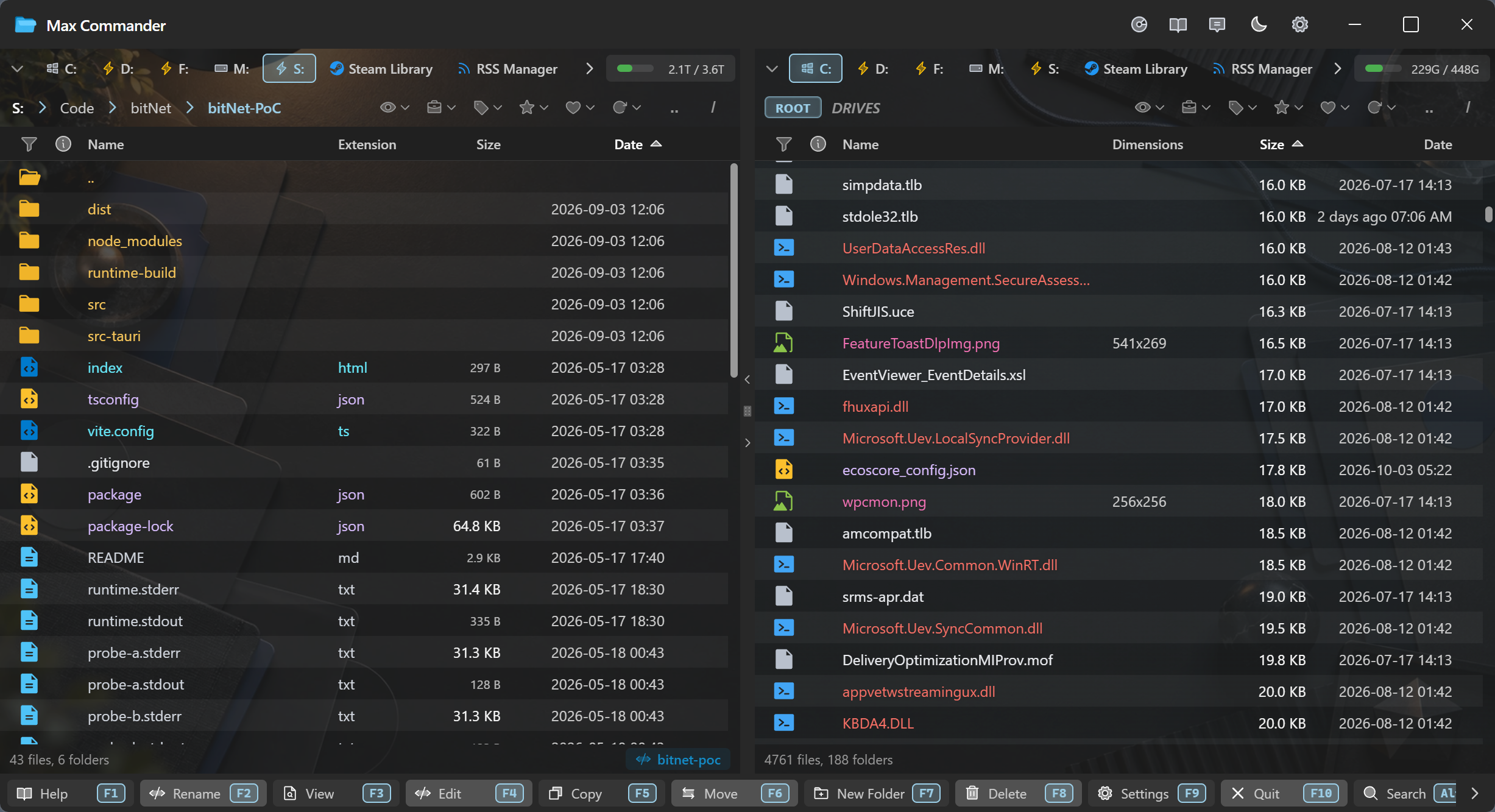
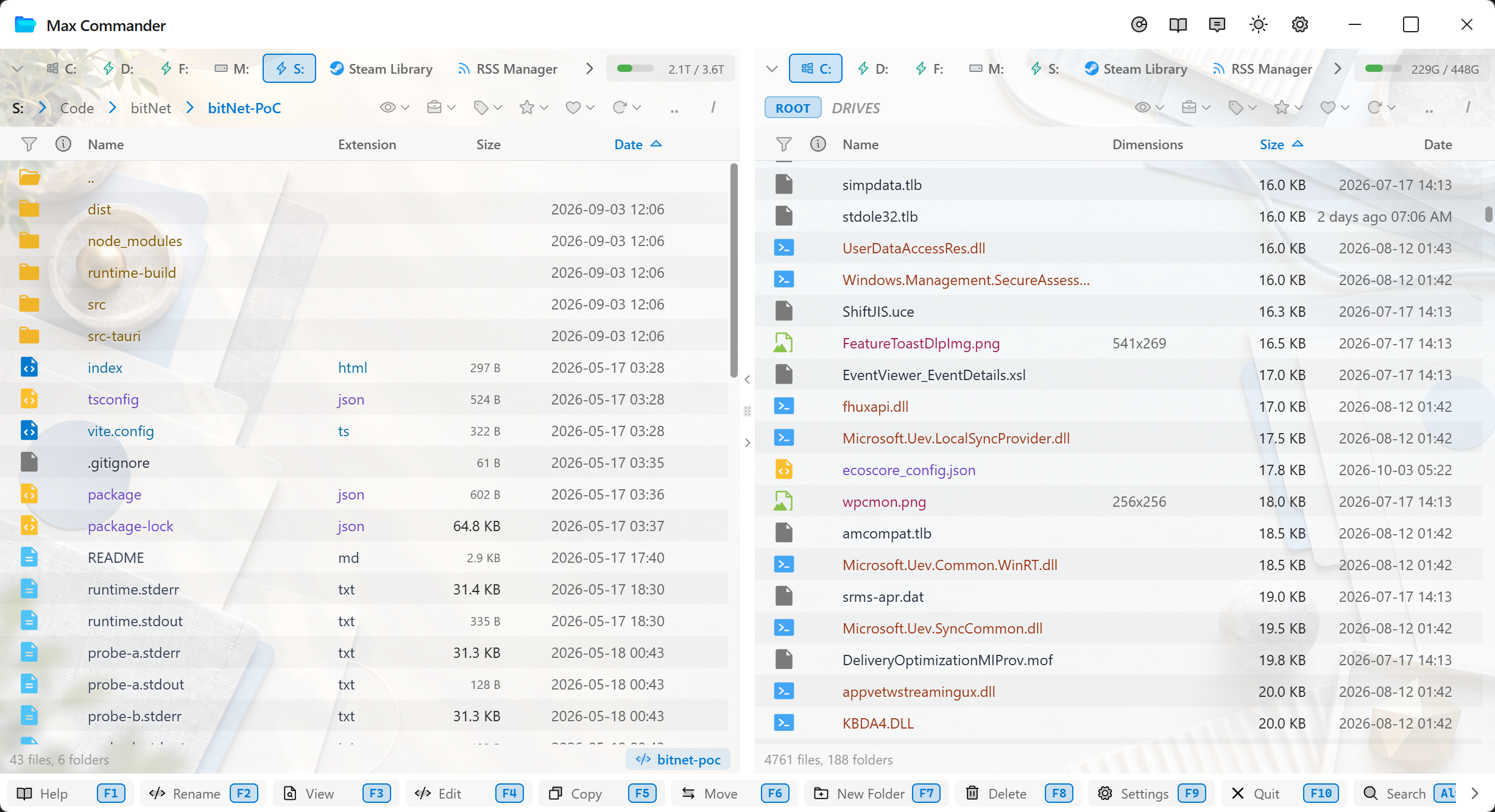
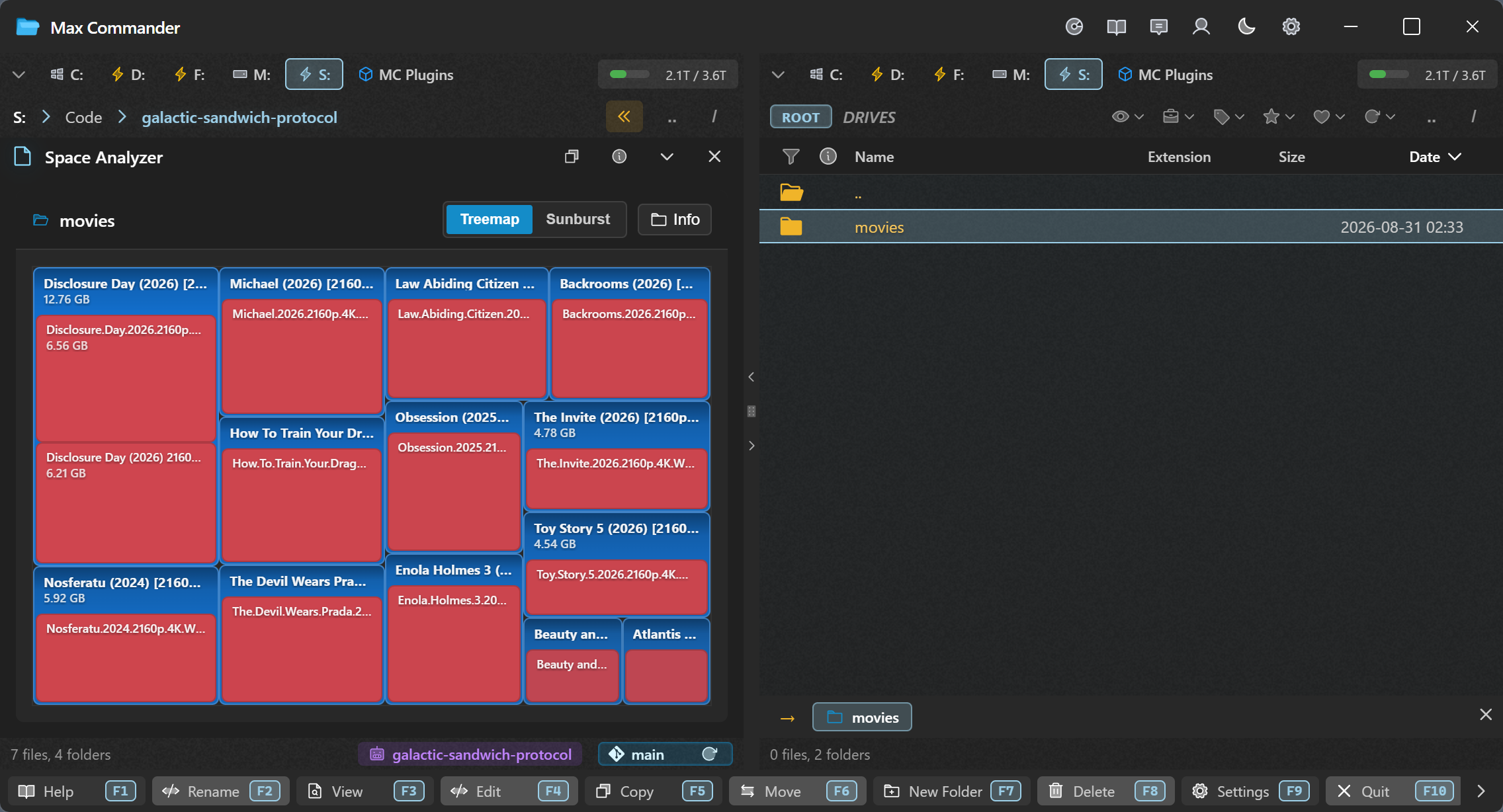
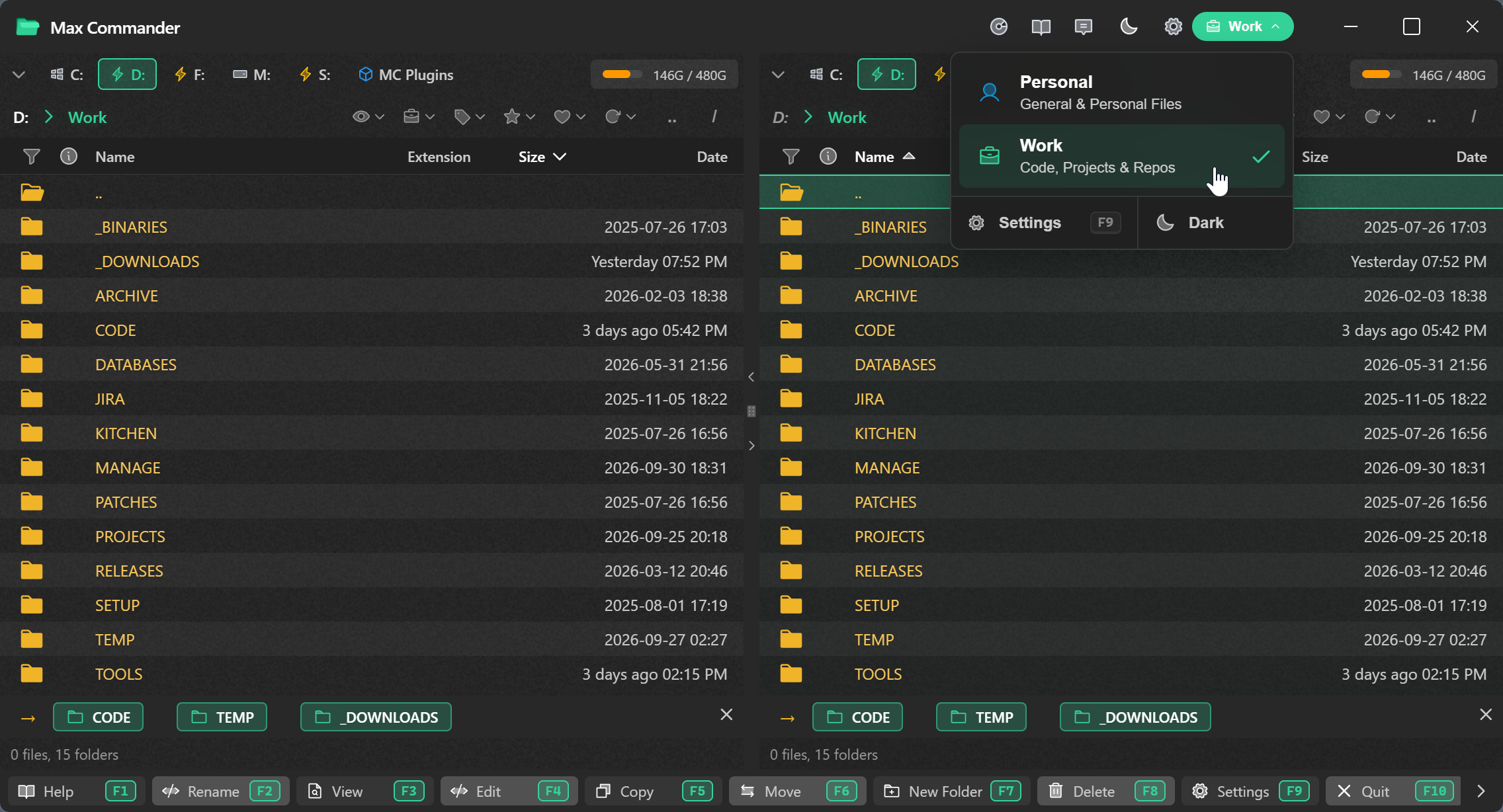
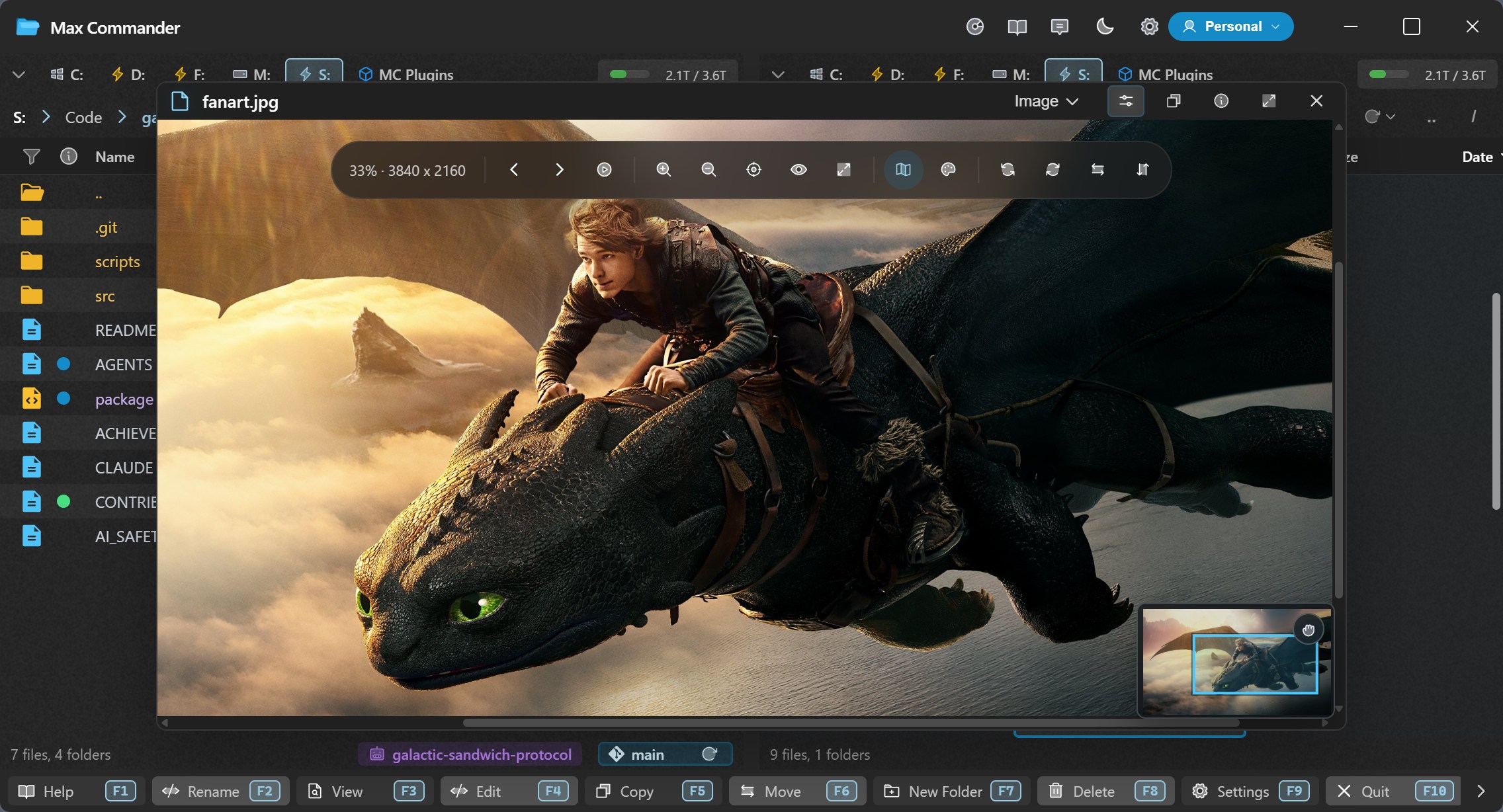
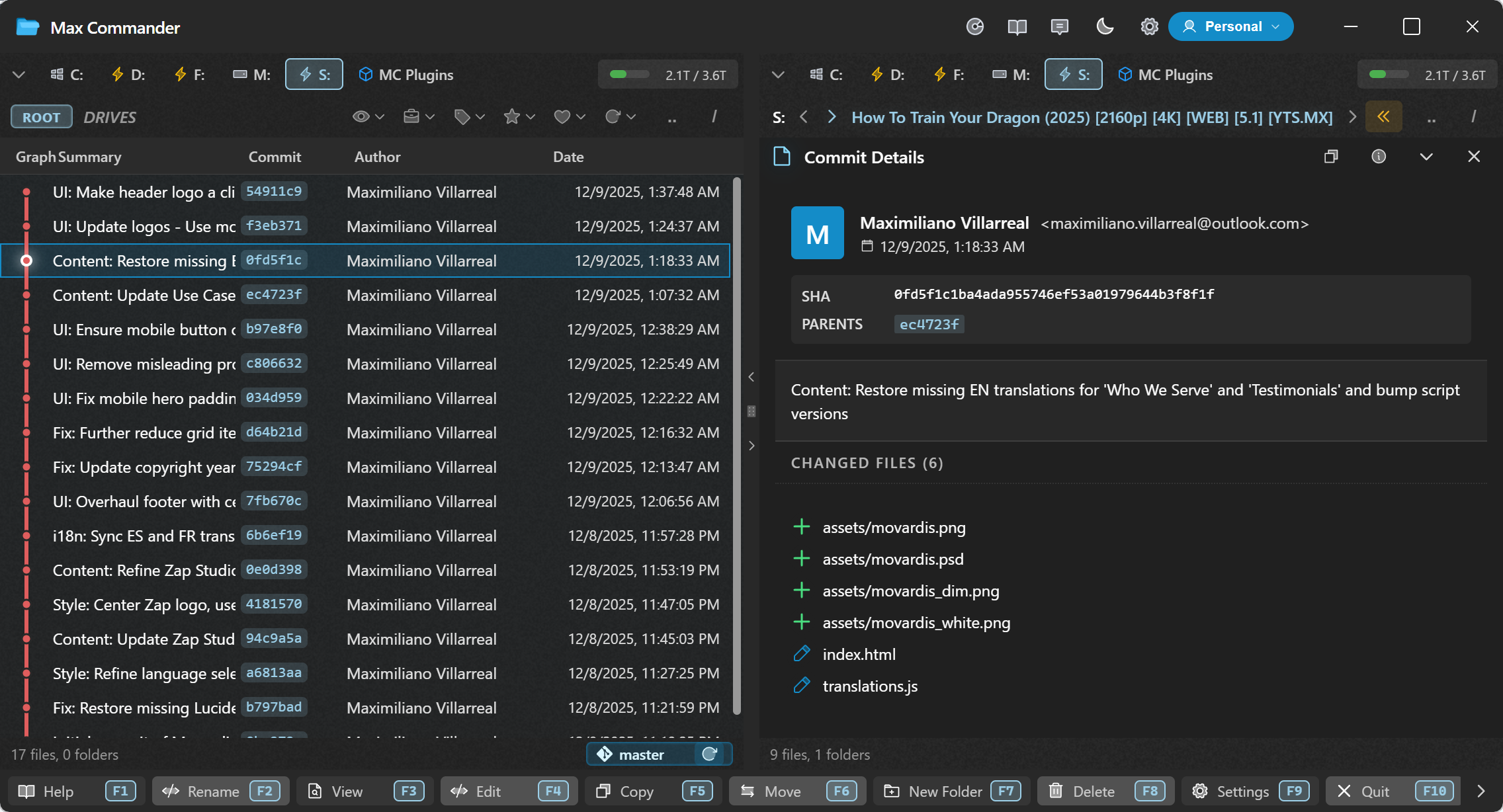
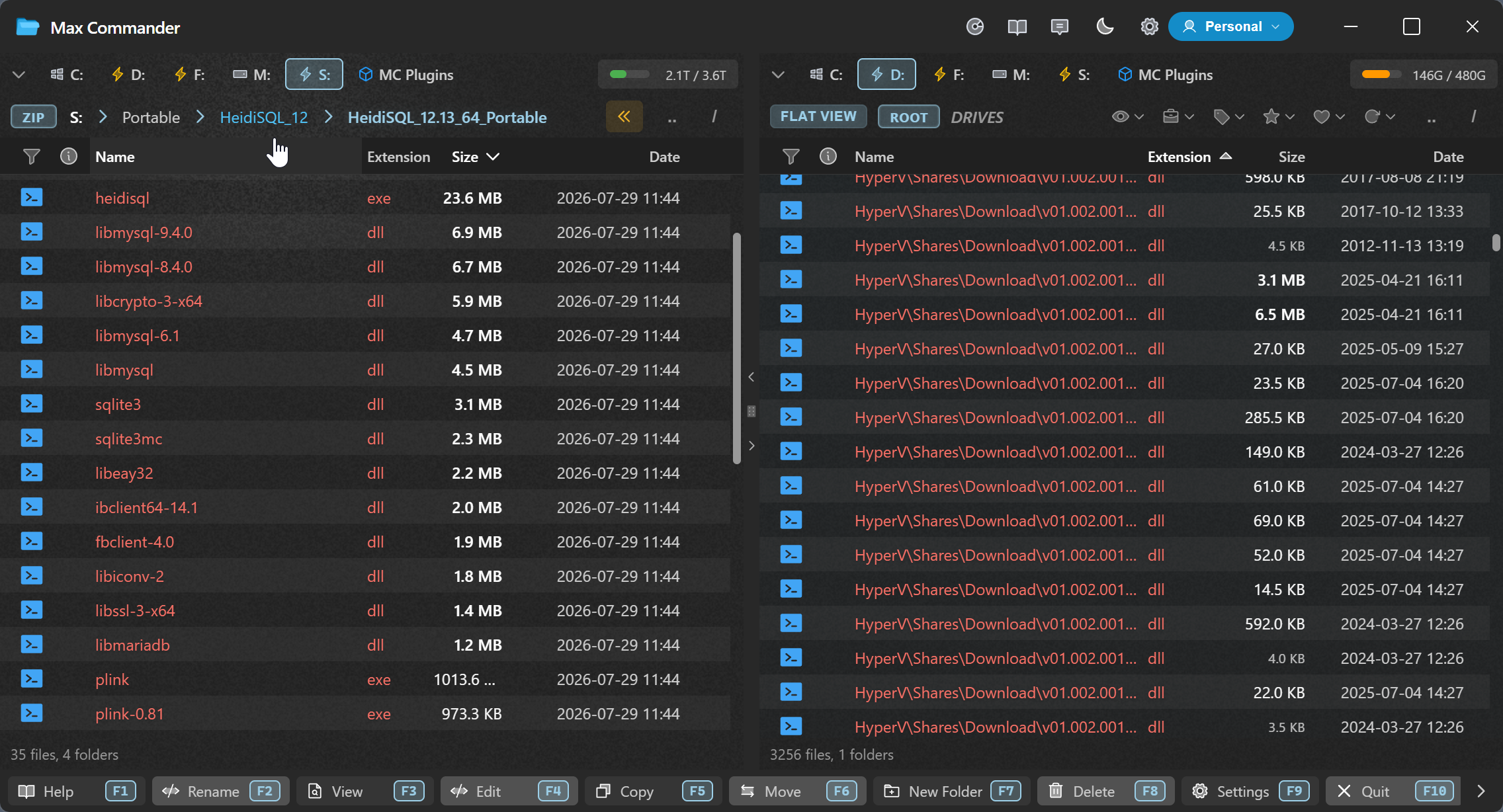
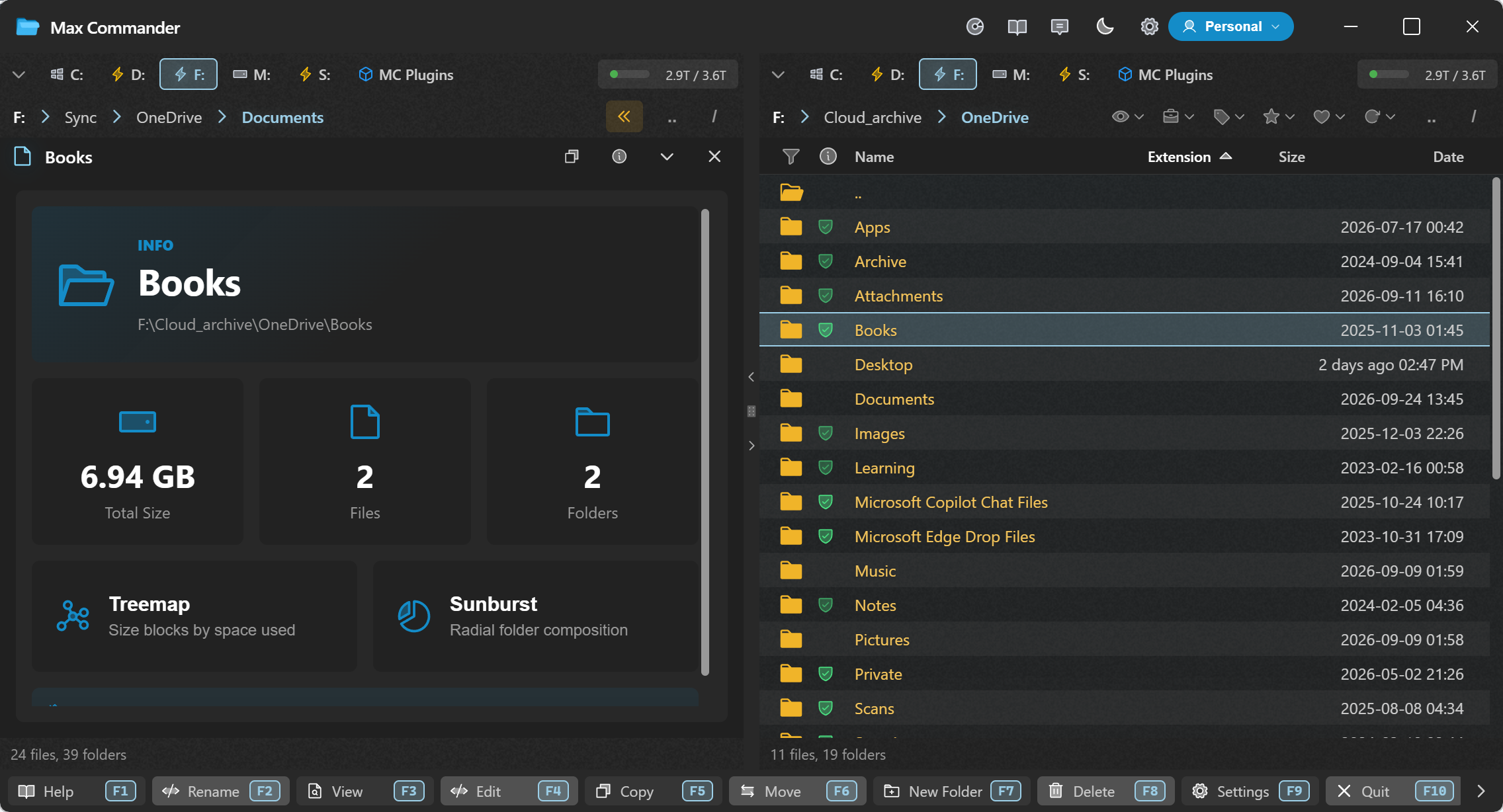
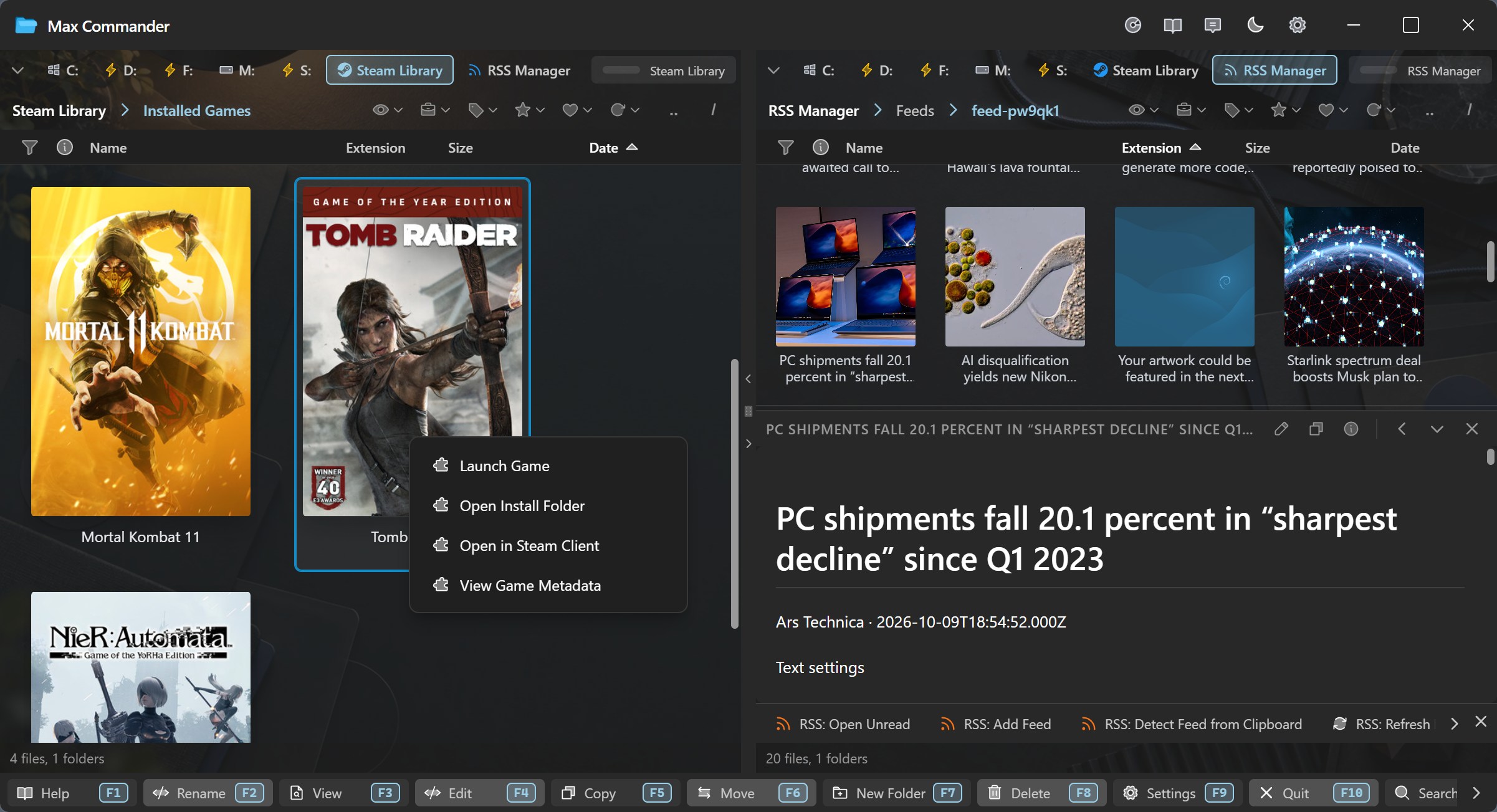
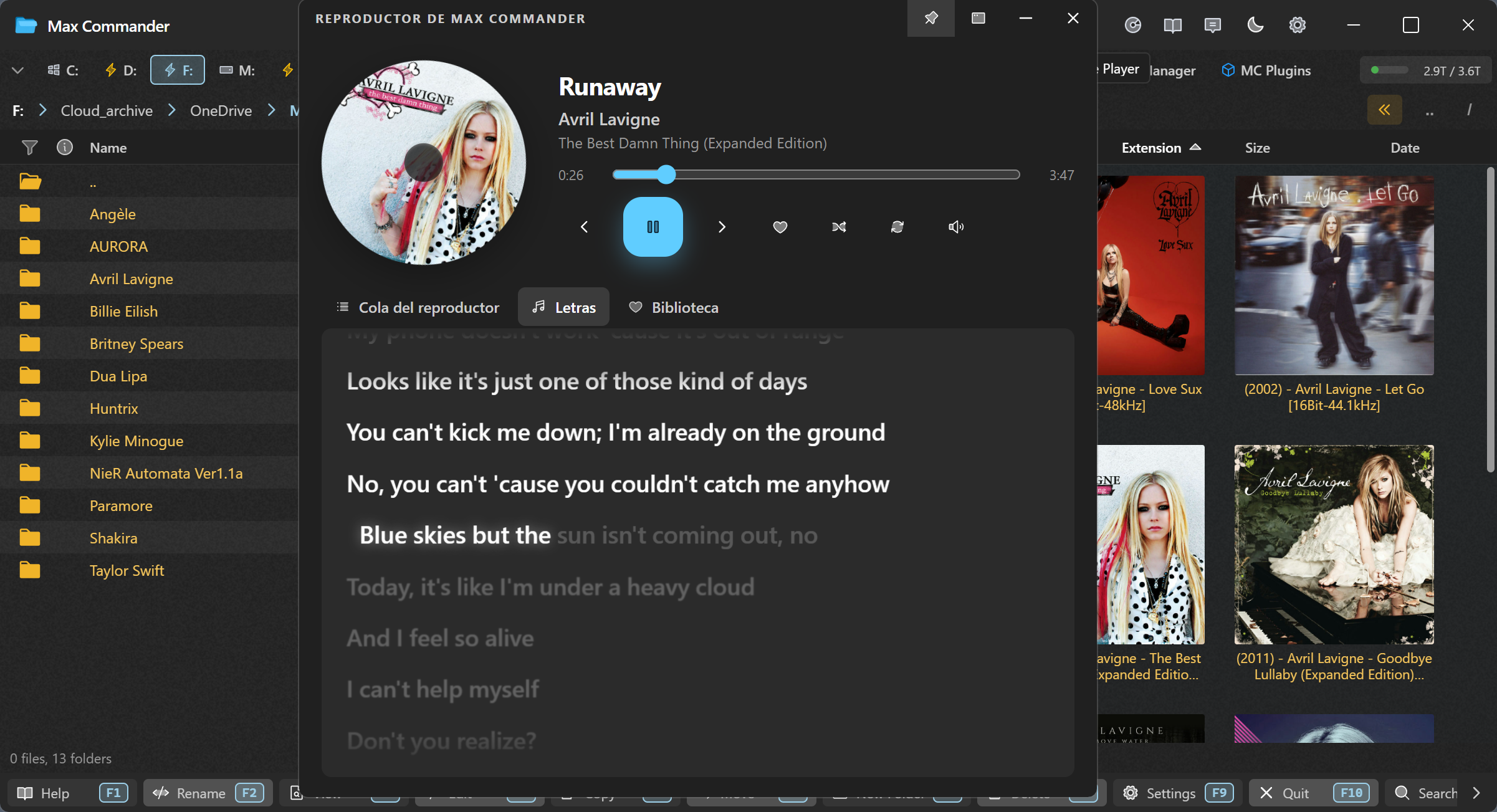
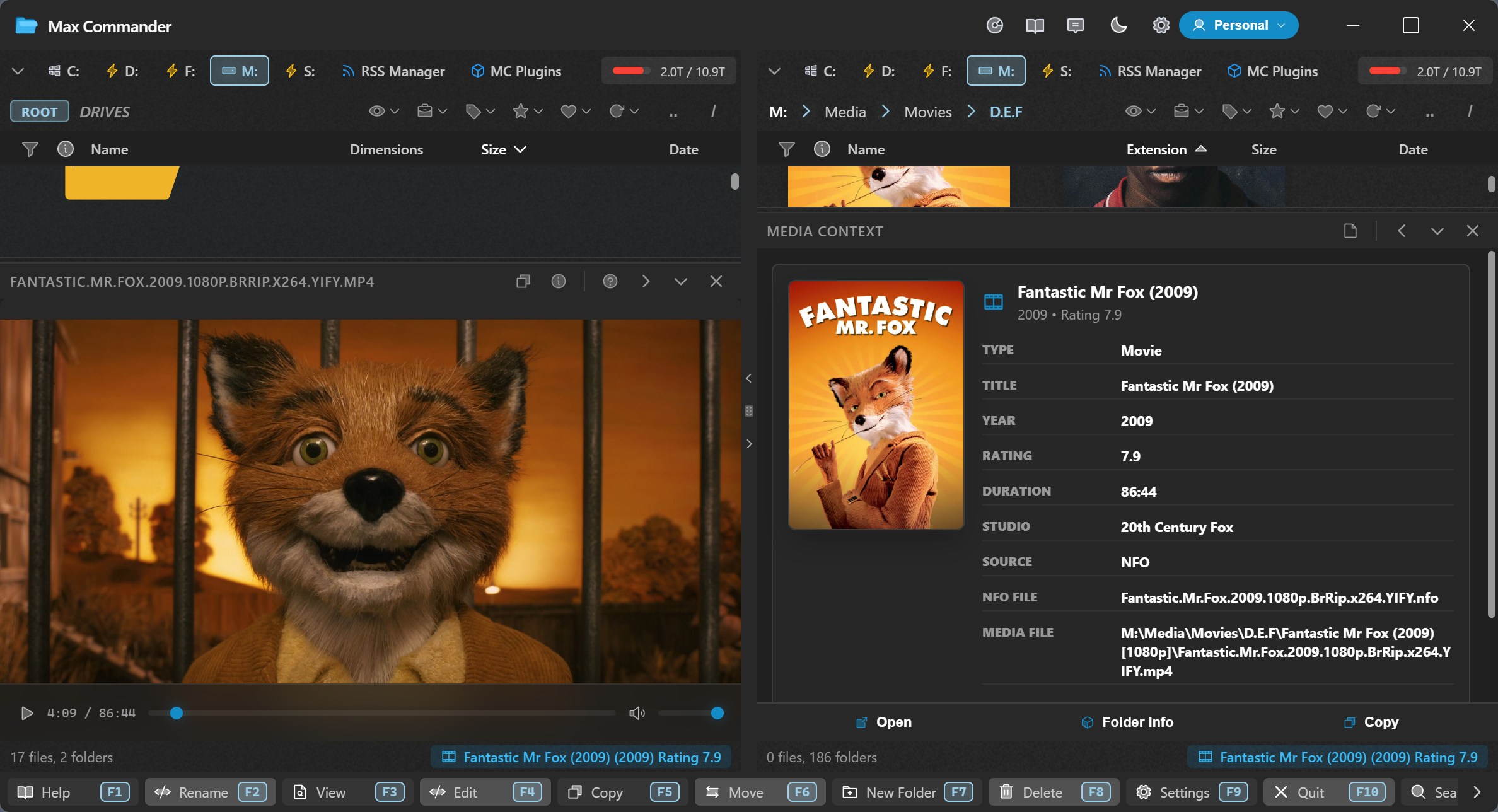
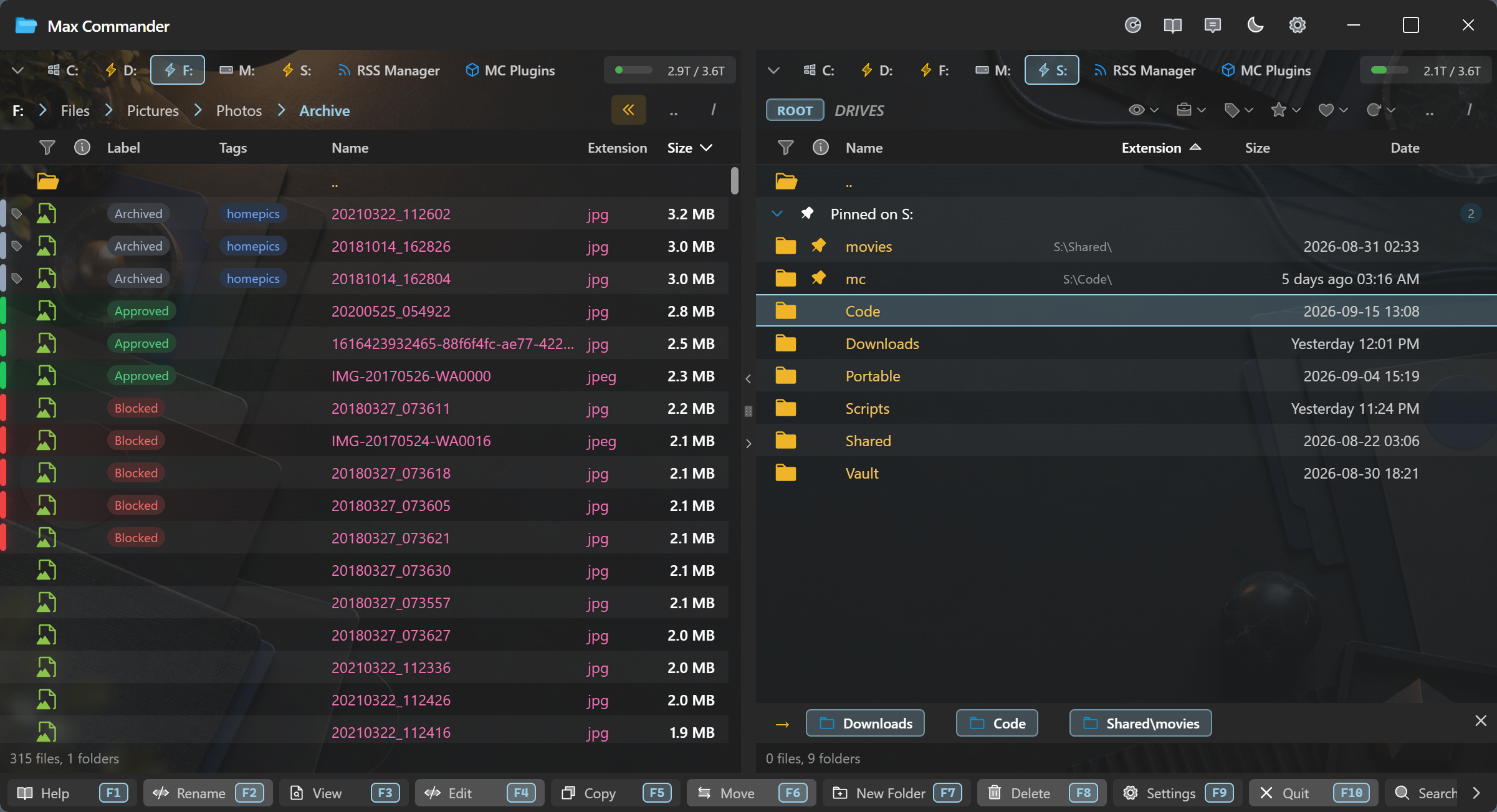
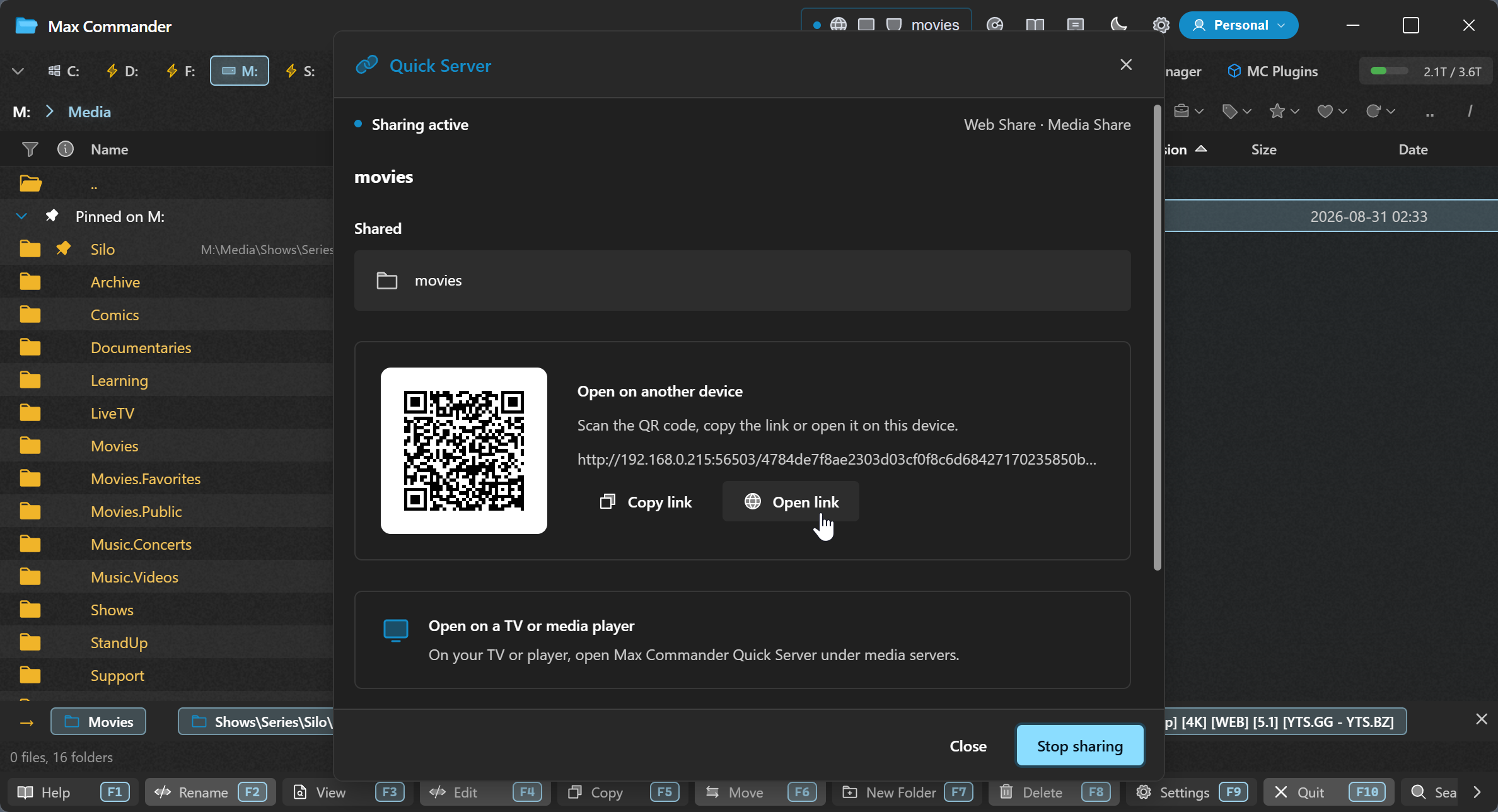
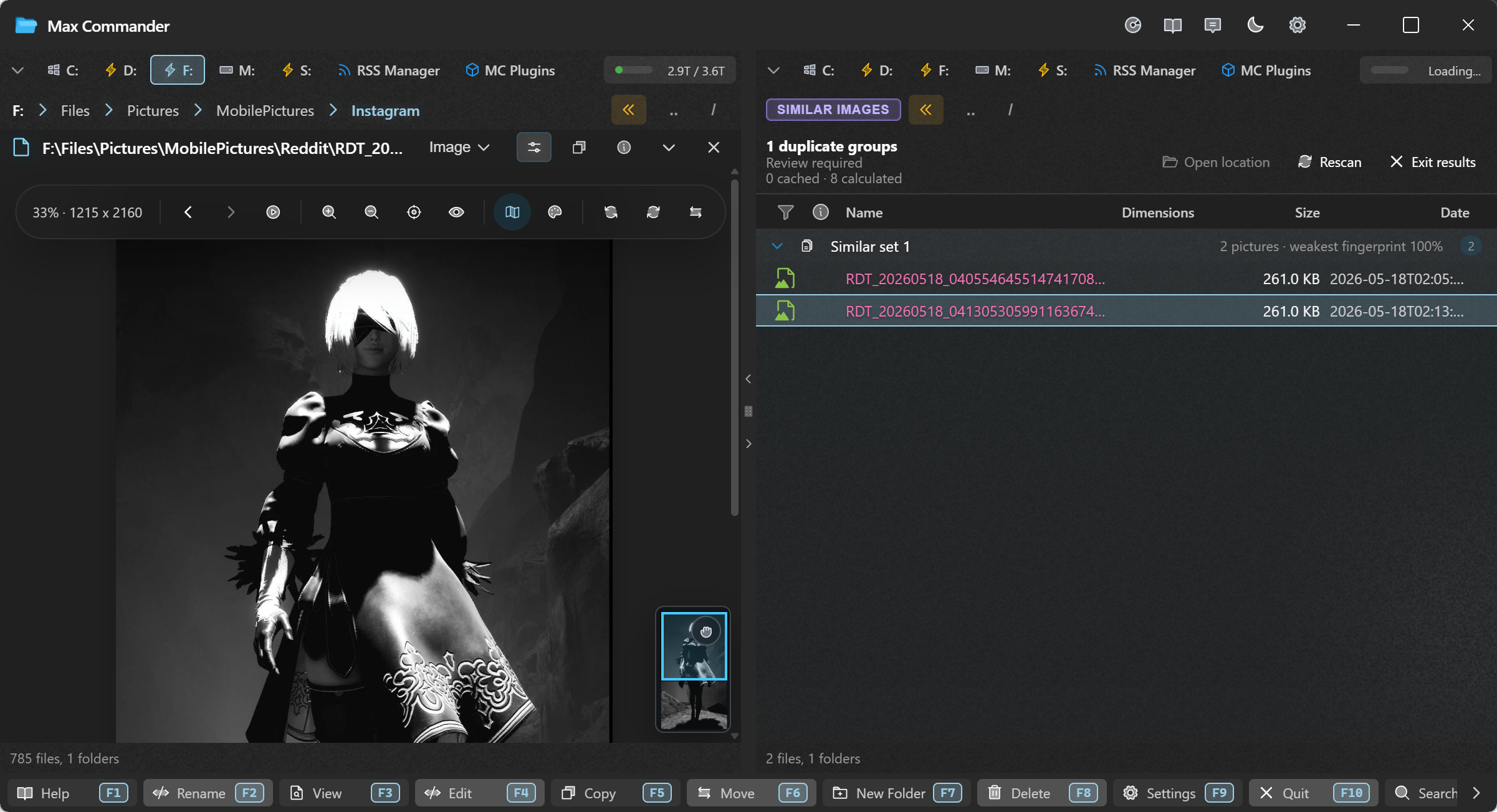
Max Commander keeps the commander contract intact: two panes, visible source/target, predictable keys, and muscle memory first. The modernization is around that core: Windows 11-style UI, richer viewers, archives, search, media folders, Git context, AI-assisted project recognition, profiles, plugins, and remote workflows.
Explorer is fine for casual browsing, but heavy file work is slower when source/target context is not the center of the UI. Max Commander starts with that mechanic, then brings the surrounding experience forward without trying to redesign the parts experienced users already trust.
Feature notes
Suggested test flow
- 1Put a messy Downloads folder on one side and a real destination/project folder on the other.
- 2Copy, move, preview, search, and browse archives without switching tools.
- 3Open media/image/document/code files through Quick View and modal viewers.
- 4Try Git/project folders to see environment and AI-assisted project recognition cues.
- 5Compare how much source/target context stays visible versus a one-pane workflow.